


ID Telecom & Data, Inc. is a trusted Coral Springs business phone systems and structured cabling provider. As a family-owned cabling contractor, we specialize in VoIP services, voice and data cabling, network infrastructure, and complete telecommunications solutions from leading brands like Avaya, Samsung, Nortel, and NEC. Our certified cabling technicians handle everything from new system installations to maintenance, surge protection, and equipment upgrades. Whether you need fiber optic cabling, Cat 5/6 installation, low voltage cabling, office cabling solutions, phone system repairs, or a custom business communications setup, our AAA-rated BBB service delivers reliable solutions. Contact ID Telecom & Data, Inc. at 954-340-6880 for a free consultation and experience our professional telecommunications and network cabling expertise.
Signs Your Network Cabling in Pembroke Pines Needs an Upgrade
Most business owners think network problems start with routers or modems. Bandwidth issues, dropped signals, constant resets. But the real culprit is often what you can't see—the cables running through your walls. In Pembroke Pines, where businesses are scaling fast and remote work is still king, outdated cabling doesn't just slow you down. It costs you money, clients, and time you won't get back.

So here's the truth. If your network infrastructure was installed five years ago—or longer—it's probably not keeping up with what you're asking it to do. Every device added to your system puts pressure on those lines. Every video call, every cloud upload, every security camera feed. And if the cabling can't handle it, nothing else you upgrade will matter.
When Speed Starts Lagging Behind Expectations
You upgraded your internet plan. Paid for gigabit speeds. But downloads still crawl and video conferences still buffer. That's not your ISP—it's your cabling. Older standards like Cat5 max out long before modern speeds kick in. They weren't built for the data loads we're throwing at networks today.
Cat6 and Cat6a cables handle higher frequencies and offer better shielding against interference. If your business relies on cloud applications, VoIP systems, or large file transfers, anything less than Cat6 is holding you back. Speed isn't just convenience—it's productivity. And every second wasted waiting for a file to load is a second you're not billing.
Connections Drop Without Warning
Intermittent connectivity is one of the most frustrating issues a business can face. You're mid-presentation, mid-transaction, or mid-conversation—and the network vanishes. Sometimes it comes back in seconds. Sometimes it takes a hard reset. Either way, it's unprofessional and disruptive.
This usually points to damaged or degraded cabling. Loose terminations, bent conductors, or environmental wear can all cause sporadic failures. In humid climates like South Florida, moisture intrusion accelerates the process. If your team is constantly troubleshooting connection drops, the problem isn't the devices—it's what's connecting them.
Cables Show Physical Damage
Walk through your server room or office space and look at the cables. Are they kinked? Frayed? Smashed under furniture or doorways? Physical damage is a clear sign that your cabling has passed its useful life. Even minor wear can degrade signal quality and create points of failure.
Pembroke Pines businesses often deal with high foot traffic, equipment moves, and weather-related wear. Cables that looked fine during installation may have been stressed over time. If you see exposed wiring, cracked jackets, or discoloration, don't wait for a full outage to act. Replace them before they take your network down with them.
Your Infrastructure Predates Current Standards
Technology moves fast. Cabling standards that were cutting-edge a decade ago are now considered legacy. If your network still runs on Cat5 or coaxial lines, you're working with tools that were never designed for today's demands. Modern standards exist for a reason—they support faster speeds, better reliability, and longer distances without signal loss.
Upgrading to current standards doesn't just fix today's problems. It prepares you for tomorrow's needs. Whether you're adding IoT devices, upgrading to VoIP, or expanding your security system, your cabling needs to support it all without bottlenecks.
- Cat5 cables max out around 100 Mbps and struggle with interference
- Cat5e improved things slightly but still caps at 1 Gbps over short distances
- Cat6 supports up to 10 Gbps and handles higher frequencies with better shielding
- Cat6a extends that performance over longer runs and reduces crosstalk even further
- Fiber optic cabling offers the highest speeds and immunity to electromagnetic interference
You've Added Devices Without Adding Capacity
Every new hire means another laptop, phone, and maybe a tablet. Every expansion means more access points, printers, and security cameras. Your network wasn't static when it was installed—and it shouldn't be treated that way now. But most businesses keep piling on devices without ever upgrading the infrastructure supporting them.
That creates congestion. Even if your router and switches can handle the load, outdated cabling becomes the choke point. You'll see slowdowns during peak hours, dropped packets, and devices fighting for bandwidth. If your team has grown or your tech stack has expanded, your cabling should grow with it.
- Cloud-based software requires constant data exchange and stable connections
- VoIP systems demand low latency and consistent bandwidth to avoid call quality issues
- Security cameras generate massive amounts of data, especially at higher resolutions
- Wireless access points rely on wired backhaul to deliver fast Wi-Fi speeds
- Server virtualization and remote access tools increase network traffic significantly
Strange Issues Keep Popping Up
You've swapped out routers. Reset switches. Updated firmware. But the problems persist. Random slowdowns. Devices that won't stay connected. Data transfers that fail halfway through. When troubleshooting doesn't point to a clear cause, the issue is often in the cabling itself.
Faulty cables can cause packet loss, signal degradation, and interference that's hard to diagnose. These problems don't always present themselves consistently, which makes them even harder to pin down. If you've ruled out everything else, it's time to look at what's literally holding your network together.
- Crosstalk between cables can cause interference and slow performance
- Improper terminations lead to weak connections and intermittent failures
- Electromagnetic interference from nearby equipment can disrupt unshielded cables
- Length limitations are often ignored during installation, causing signal loss
- Environmental factors like heat and moisture degrade cable performance over time
Tangled Wiring Creates More Than Aesthetic Problems
Messy cabling isn't just an eyesore. It's a maintenance nightmare and a performance risk. When cables are bundled without organization, they're more likely to be damaged during moves or repairs. They're harder to trace when something goes wrong. And they increase the chances of accidental disconnections.
Professional cable management improves airflow, reduces interference, and makes future upgrades easier. If your server room looks like a bird's nest, it's not just a cleanup project—it's an opportunity to rethink your entire cabling voice data wiring strategy.
- Organized cables are easier to trace and troubleshoot when issues arise
- Proper separation reduces crosstalk and electromagnetic interference
- Labeling and documentation save hours during moves, adds, or changes
- Clean installations improve cooling efficiency in server rooms and network closets
- Structured cabling systems scale more easily as your business grows
Compliance and Safety Can't Be Ignored
Outdated cabling doesn't just hurt performance—it can create liability. Fire codes and building standards evolve, and older installations may no longer meet current requirements. Plenum-rated cables, proper grounding, and correct installation methods aren't optional. They're mandated for good reason.
If your business undergoes an inspection or audit, non-compliant cabling can result in fines or required remediation. Worse, it can pose real safety risks, from electrical fires to equipment damage. Upgrading your cabling ensures you're not just faster—you're safer and compliant. Ensuring surge lightning protection is also critical for safeguarding your network infrastructure during severe weather events common in South Florida.
- Plenum-rated cables are required in air-handling spaces to reduce fire hazards
- Proper grounding prevents electrical surges from damaging sensitive equipment
- Distance and termination standards ensure reliable signal transmission
- Code-compliant installations protect you from liability and insurance issues
- Professional certifications verify that your cabling meets industry standards
Investing in Infrastructure Pays Off
Upgrading network cabling isn't glamorous. It doesn't get announced in press releases or celebrated at team meetings. But it's one of the smartest investments a Pembroke Pines business can make. Reliable infrastructure means fewer disruptions, faster operations, and the ability to scale without hitting walls.
Don't wait for a catastrophic failure to take action. The signs are there—slow speeds, dropped connections, visible damage, outdated standards, device overload, mystery issues, messy installs, and compliance gaps. Address them now, and you'll avoid the downtime, lost revenue, and frustration that come with ignoring them. A solid cabling foundation supports everything else you're trying to build, from business phone systems to cameras surveillance systems.
Let’s Future-Proof Your Network Together
We know how critical a fast, reliable network is for your business to thrive in Pembroke Pines. If you’re seeing any of these warning signs, let’s talk about how we can upgrade your cabling and keep your operations running smoothly. Call us at 954-340-6880 or get a free consultation—we’re ready to help you stay connected and competitive.
‹ Back
Recent Posts
-
Is Your Cat 5/6 Cabling in Miramar Slowing Your Business?
October 23, 2026
-
Can Better Voice Cabling in Miramar Improve Call Quality?
October 9, 2026
-
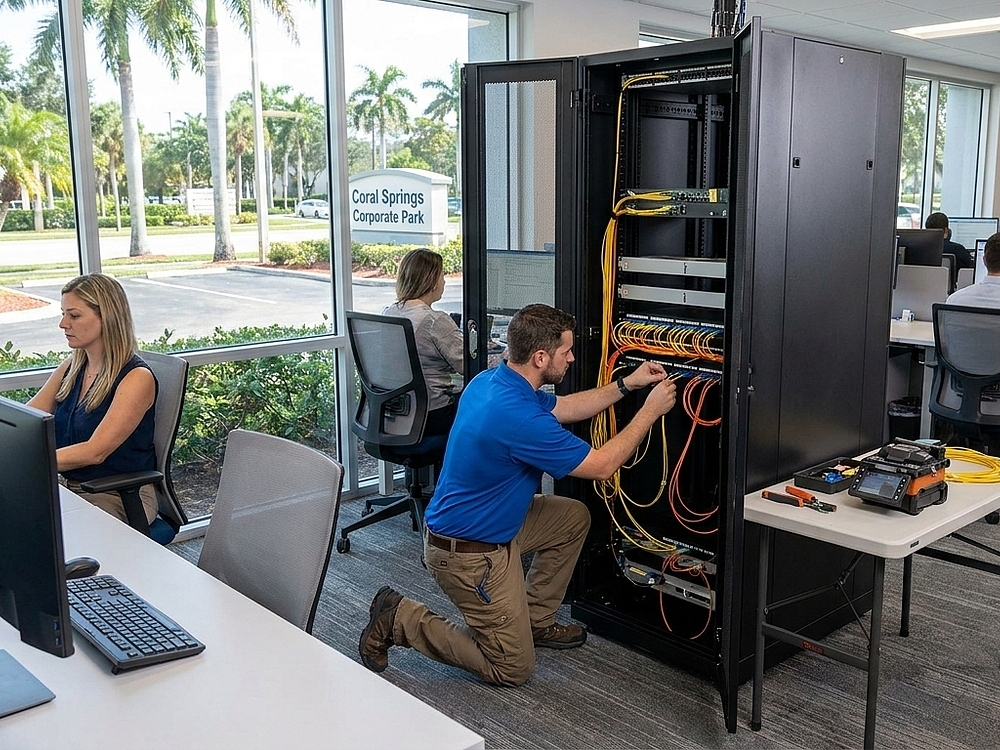
Is Fiber Optic Cabling in Pembroke Pines a Smart Move for Your Office?
September 25, 2026
-

Signs Your Network Cabling in Pembroke Pines Needs an Upgrade
September 11, 2026
-
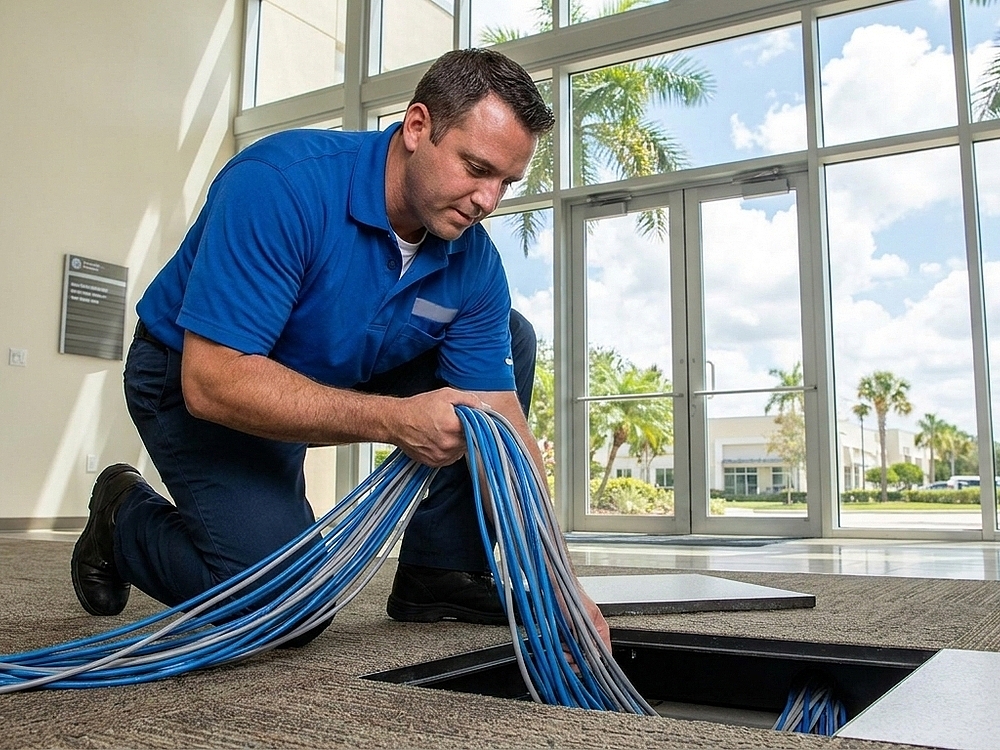
Is It Time to Upgrade Your Data Cabling in Pembroke Pines?
August 28, 2026