

ID Telecom & Data, Inc. is a trusted Coral Springs business phone systems and structured cabling provider. As a family-owned cabling contractor, we specialize in VoIP services, voice and data cabling, network infrastructure, and complete telecommunications solutions from leading brands like Avaya, Samsung, Nortel, and NEC. Our certified cabling technicians handle everything from new system installations to maintenance, surge protection, and equipment upgrades. Whether you need fiber optic cabling, Cat 5/6 installation, low voltage cabling, office cabling solutions, phone system repairs, or a custom business communications setup, our AAA-rated BBB service delivers reliable solutions. Contact ID Telecom & Data, Inc. at 954-340-6880 for a free consultation and experience our professional telecommunications and network cabling expertise.
When Network Cabling in Coral Springs Starts Slowing an Office Down
Most business owners think network problems are just about routers or internet plans. Bandwidth in, bandwidth out. But the real culprit is often hiding in the walls — and if you're not looking there, you're chasing the wrong fix. Cabling may not show up on your monthly bill, but it leaves a footprint on every file transfer, video call, and cloud sync. Especially if you're running modern equipment on decade-old infrastructure.
So here's the reality. If you're building a business that depends on speed and uptime, that's smart. Just don't assume your network is fine because it worked last year. Every cable has a lifespan. Every connection needs integrity. And every slowdown should be traced back to how the system was built — not just how fast your provider claims it should be.
The Symptoms Nobody Wants to Ignore
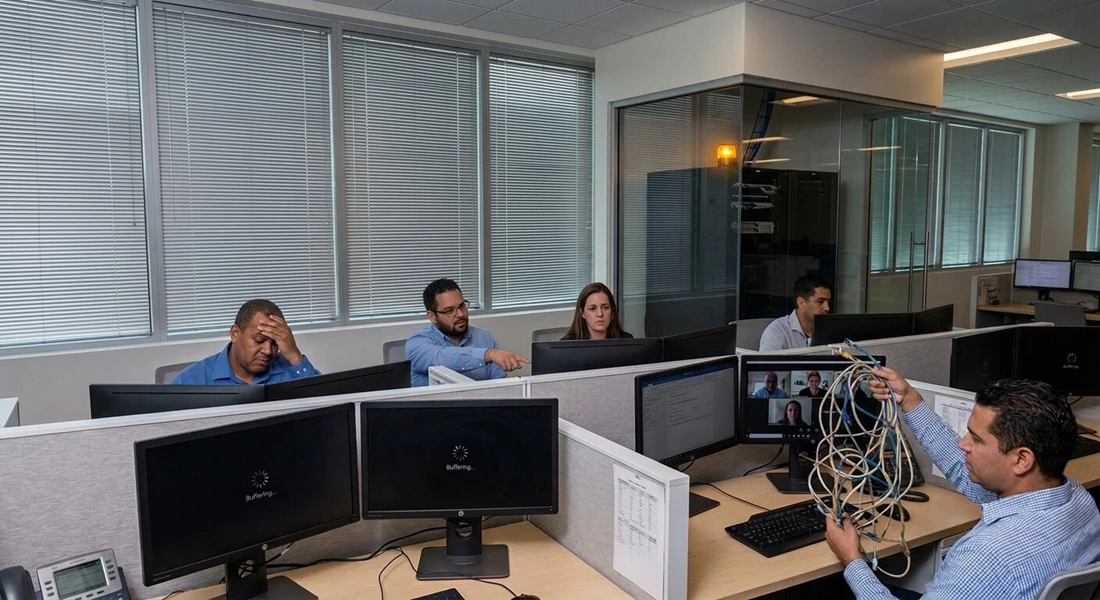
Your team doesn't need to be tech experts to know when something's off. Dropped connections during client calls. Files that crawl across the network. Applications that freeze mid-task. These aren't quirks — they're red flags. And they're usually pointing straight at your cabling.
We've seen offices blame their ISP, upgrade their router three times, and still deal with the same lag. Because the problem wasn't the signal coming in. It was the wiring distributing it. If your network feels inconsistent — fast in one room, sluggish in another — that's not random. That's infrastructure.
- Connections that drop without warning during peak hours
- File transfers that take minutes when they should take seconds
- Video calls that pixelate or freeze mid-sentence
- Cloud apps that buffer longer than they load
- Speed tests that vary wildly depending on where you're sitting
Outdated Standards Are Killing Your Speed
Technology doesn't wait for anyone. The cabling that handled your needs five years ago might be choking your system today. Cat5 cables were fine when offices ran basic email and shared a few documents. But now? With cloud storage, video conferencing, and real-time collaboration tools, those old lines can't keep up.
Cat6 and Cat6a cables can push ten times the data. If you're still running Cat5 or Cat5e, you're capping your network before it even gets started. And upgrading your devices won't help if the cables feeding them are stuck in the past. It's like putting premium fuel in a car with a clogged fuel line — the engine never sees the benefit.
- Cat5 maxes out at 100 Mbps, which is barely enough for modern office demands
- Cat6 supports up to 1 Gbps and handles interference better
- Cat6a pushes 10 Gbps and future-proofs your setup for years
- Fiber optic cabling offers even higher speeds for offices with heavy data loads
- Mixing old and new standards creates bottlenecks that slow the entire network
Physical Damage You Can't See
Cables don't announce when they're failing. They just degrade quietly until performance tanks. A chair rolling over a cable. A staple punched through insulation during a quick office rearrangement. Moisture seeping into a poorly sealed junction box. All of it adds up.
And if your office has been around for a while, there's a good chance some of that damage has been accumulating for years. Rodents chew through wiring. Temperature swings crack protective coatings. Even dust buildup in connectors can introduce interference. You won't see it until someone runs a diagnostic — or until the network grinds to a halt.
- Cables kinked or crushed by furniture lose signal integrity
- Exposed wiring near electrical lines picks up interference
- Corroded connectors create weak points that fail under load
- Improperly terminated ends cause packet loss and retransmissions
- Cables run through ceilings or walls without protection wear out faster
Sloppy Installation Comes Back to Haunt You
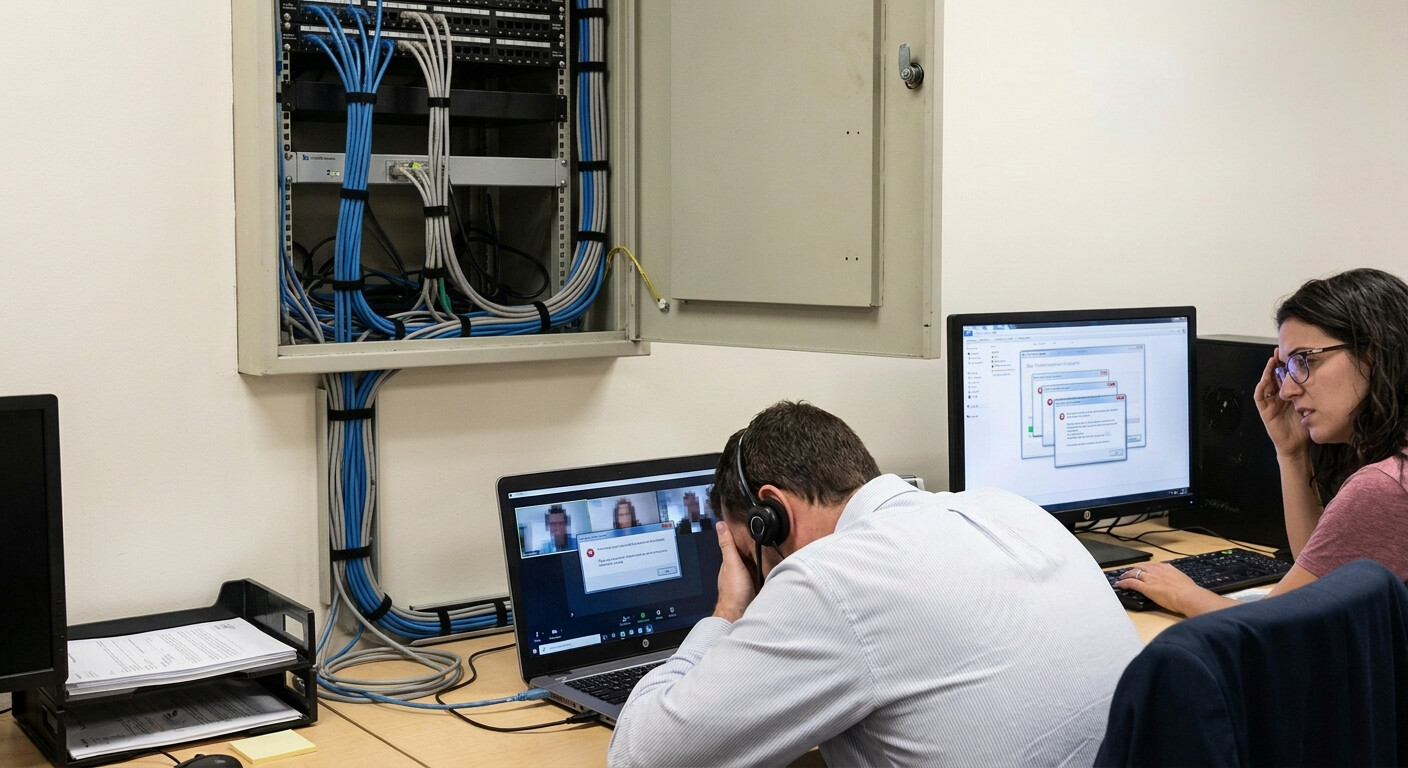
Not all cabling jobs are created equal. If your network was installed by someone who didn't follow standards — or worse, by someone who "knew a guy" — you're probably dealing with hidden problems. Cables bundled too tightly. Runs that exceed recommended lengths. Terminations done by hand without proper tools.
These shortcuts save time upfront and cost you speed forever. Professional installers know how to route cables away from interference, maintain proper bend radius, and test every connection. DIY jobs or bargain contractors skip those steps. And when your network starts lagging, you're the one who pays to fix it.
- Cables running parallel to power lines pick up electromagnetic interference
- Exceeding maximum cable length degrades signal strength
- Improper crimping or punch-down techniques create unreliable connections
- Lack of cable management leads to tangled messes that are impossible to troubleshoot
- Missing labels and documentation make future upgrades a nightmare
Growth Outpaces Your Original Setup
Your office isn't static. You add employees. You bring in new devices. You adopt software that demands more bandwidth. But if your cabling was designed for twenty workstations and you're now running forty, the system is overloaded.
Network congestion doesn't just slow things down — it creates unpredictable performance. One department streams a training video and suddenly accounting can't access the server. That's not a bandwidth problem. That's a design problem. And the only fix is rethinking how your network is structured and whether your cabling can handle the load.
Fixing It the Right Way
Guessing won't solve network problems. You need a real assessment from someone who knows what to look for. A professional can test your cables, measure signal loss, and identify where your infrastructure is failing. From there, you can make informed decisions about upgrades, replacements, or redesigns.
Upgrading to modern cabling isn't just about speed today. It's about building a foundation that supports your business as it grows. Cabling voice data wiring, proper installation, and clean documentation mean fewer headaches down the road. And when you do need to expand or troubleshoot, you're not starting from scratch.
- Hire certified installers who follow industry standards and test every run
- Upgrade to Cat6 or Cat6a to support current and future bandwidth needs
- Document your network layout so future changes are easier to manage
- Schedule regular inspections to catch wear and tear before it causes outages
- Design your network with growth in mind, not just what you need today
Speed That Actually Sticks
A fast network isn't a luxury. It's the baseline for getting work done. When your cabling is solid, your team doesn't waste time waiting for files to load or reconnecting to dropped calls. Productivity climbs. Frustration drops. And your business runs the way it's supposed to.
Structured voice and data cabling in Coral Springs offices that invest in quality cabling see the difference immediately. Faster collaboration. Smoother client interactions. Fewer IT tickets. It's not flashy, but it's the kind of infrastructure that pays for itself every single day. And when the next wave of technology hits, you're ready — not scrambling to catch up. For comprehensive support, explore our services including maintenance plans and business phone systems to ensure your entire communication infrastructure operates at peak performance.
Let’s Build a Network That Works for You
We know how critical a reliable, high-speed network is for your business to thrive. If you’re tired of slowdowns and want a cabling solution that keeps up with your growth, let’s talk about how we can help. Call us at 954-340-6880 or get a free consultation and let’s make sure your office is set up for success from the inside out.
‹ Back
Recent Posts
-
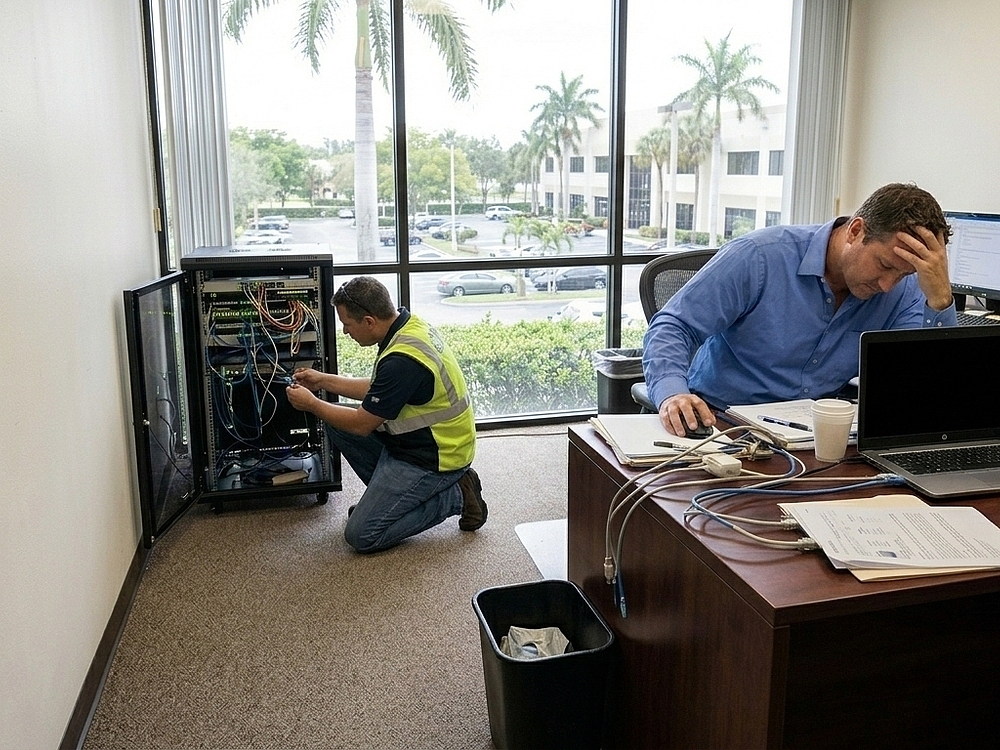
Is Your Cat 5/6 Cabling in Miramar Slowing Your Business?
October 23, 2026
-
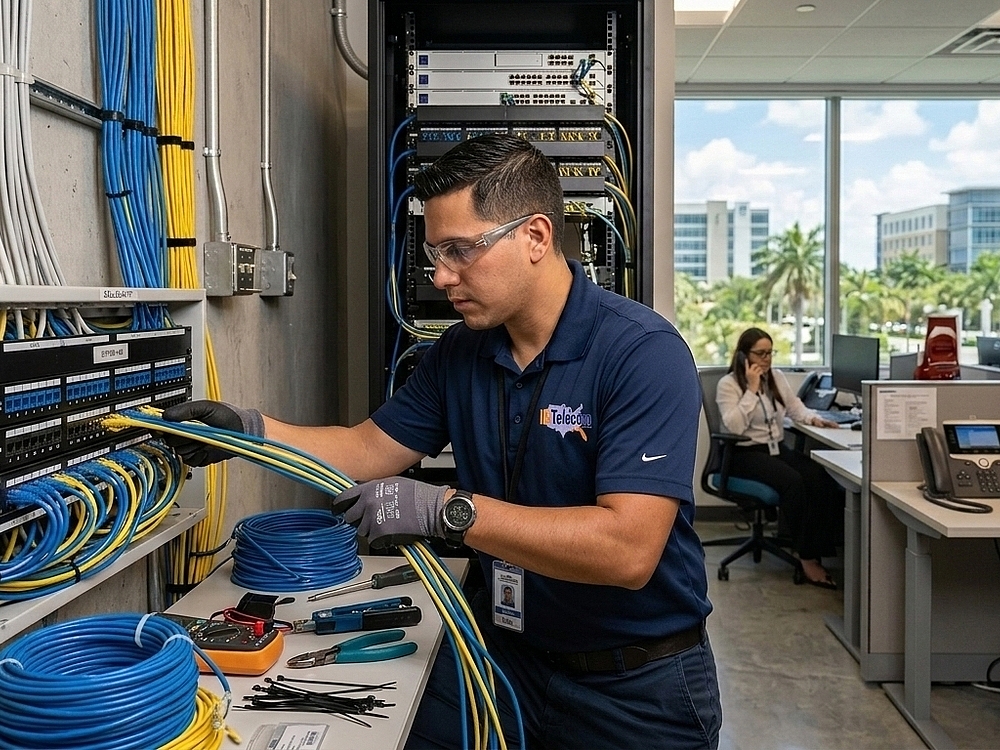
Can Better Voice Cabling in Miramar Improve Call Quality?
October 9, 2026
-
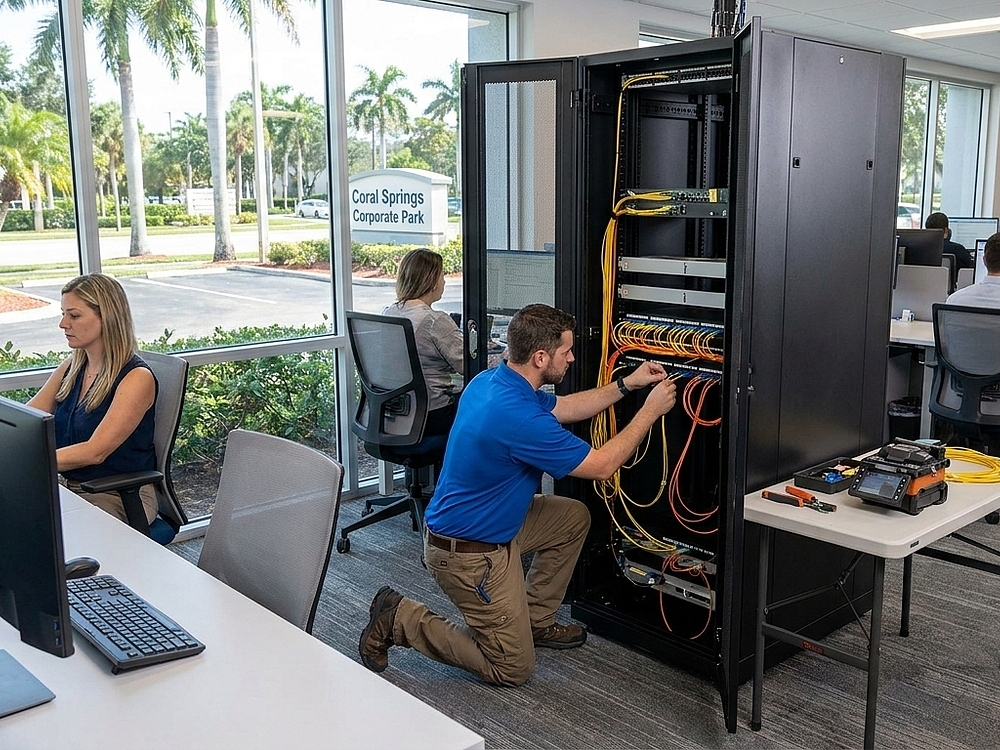
Is Fiber Optic Cabling in Pembroke Pines a Smart Move for Your Office?
September 25, 2026
-

Signs Your Network Cabling in Pembroke Pines Needs an Upgrade
September 11, 2026
-
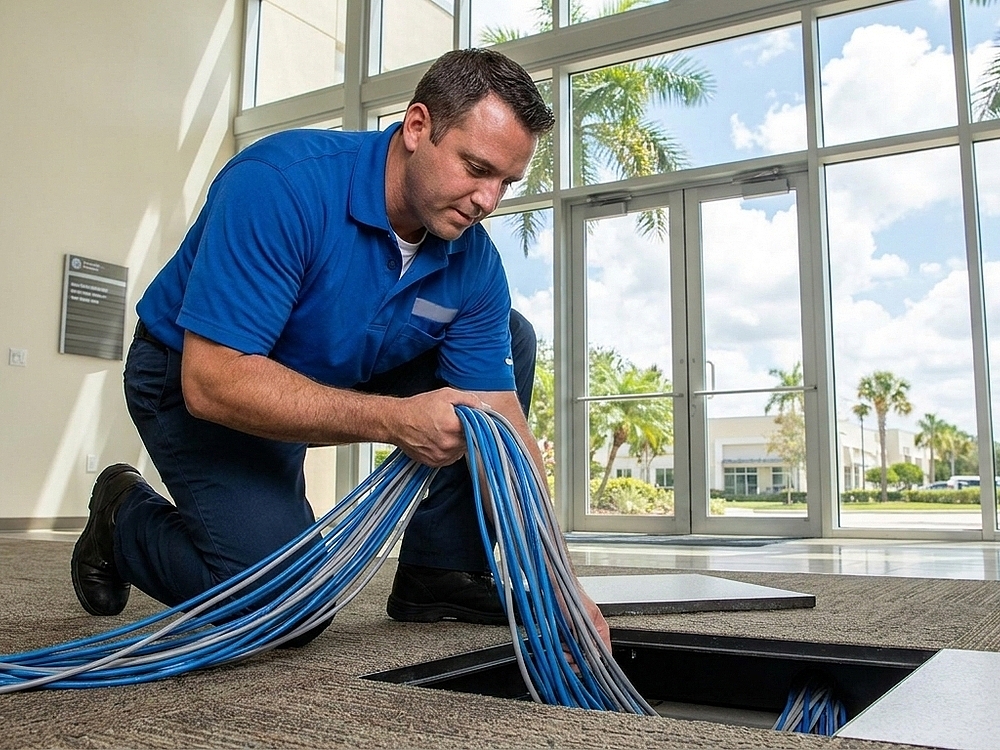
Is It Time to Upgrade Your Data Cabling in Pembroke Pines?
August 28, 2026